
Retail POS & billing software
Retail POS System You Own, With No Monthly Fees
Sell, track stock and run every branch from one system on your own server. Pay once, keep your data, and add modules only when you need them.
Used by 10,000+ businesses · 4.3+/5 from 500+ ratings on CodeCanyon · 10+ years of updates
What is a retail POS system?
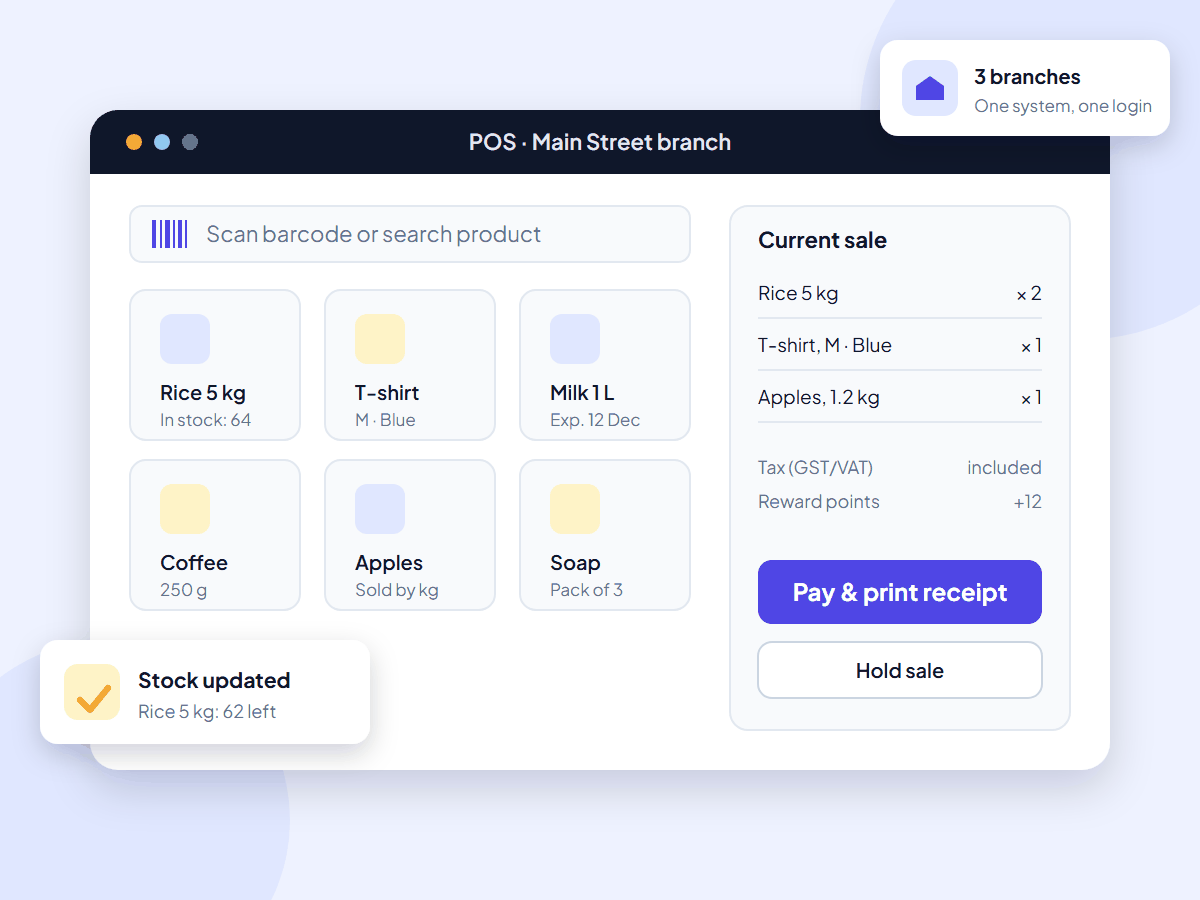
A retail POS system is the software a shop uses at the counter to bill customers, take payment and print receipts, with hardware such as a barcode scanner, receipt printer and cash drawer. It also updates stock, customers and reports with every sale. UltimatePOS is a self-hosted retail POS that you buy once and run on your own server.
Still running your shop on spreadsheets and three different apps?
Most shops start with a cash register, a stock spreadsheet and separate accounting software. It works until the numbers stop matching. Stock counts are wrong, a profit report takes an hour in Excel, and the monthly software bills keep growing.
UltimatePOS puts billing, stock, purchases, customers and reports in one place, so a sale at the counter updates your stock and your books at the same time.
Why shop owners switch to a POS they own
10,000+
businesses use our software
10+
years of updates
2,000+
updates and features
What customers say
Reviews of UltimatePOS from buyers on CodeCanyon.
How much does a retail POS system cost?
UltimatePOS costs $79 once. Updates are included, and so are 6 months of support, which you can extend. Most retail POS software charges every month or every year instead.
Installed on a computer in your shop, UltimatePOS has no running cost. To use it from anywhere, put it on an online server; our example server costs about $7.20 a month with backups (hosting options, full cost breakdown).
UltimatePOS vs a subscription POS
If you want a fully managed service with nothing to install or host, a subscription POS may suit you better. UltimatePOS is for owners who’d rather own their system.
Who it’s for
Set up for your kind of store
Run a restaurant or café? See our restaurant POS system page. Run a gym? See our gym management software page. Run a flower shop? See our florist POS system page. Run a thrift or resale shop? See our thrift store POS system page. Make your own products? See our manufacturing inventory software page.
How to get started
Retail POS questions
About this page
Written by the Ultimate Fosters team, who have built and supported UltimatePOS for 10+ years. Every feature on this page links to its step-by-step guide in our documentation, and you can try it in the live demo. We recheck competitor prices on their own websites every quarter. See all industries we support.